Why This Matters Today
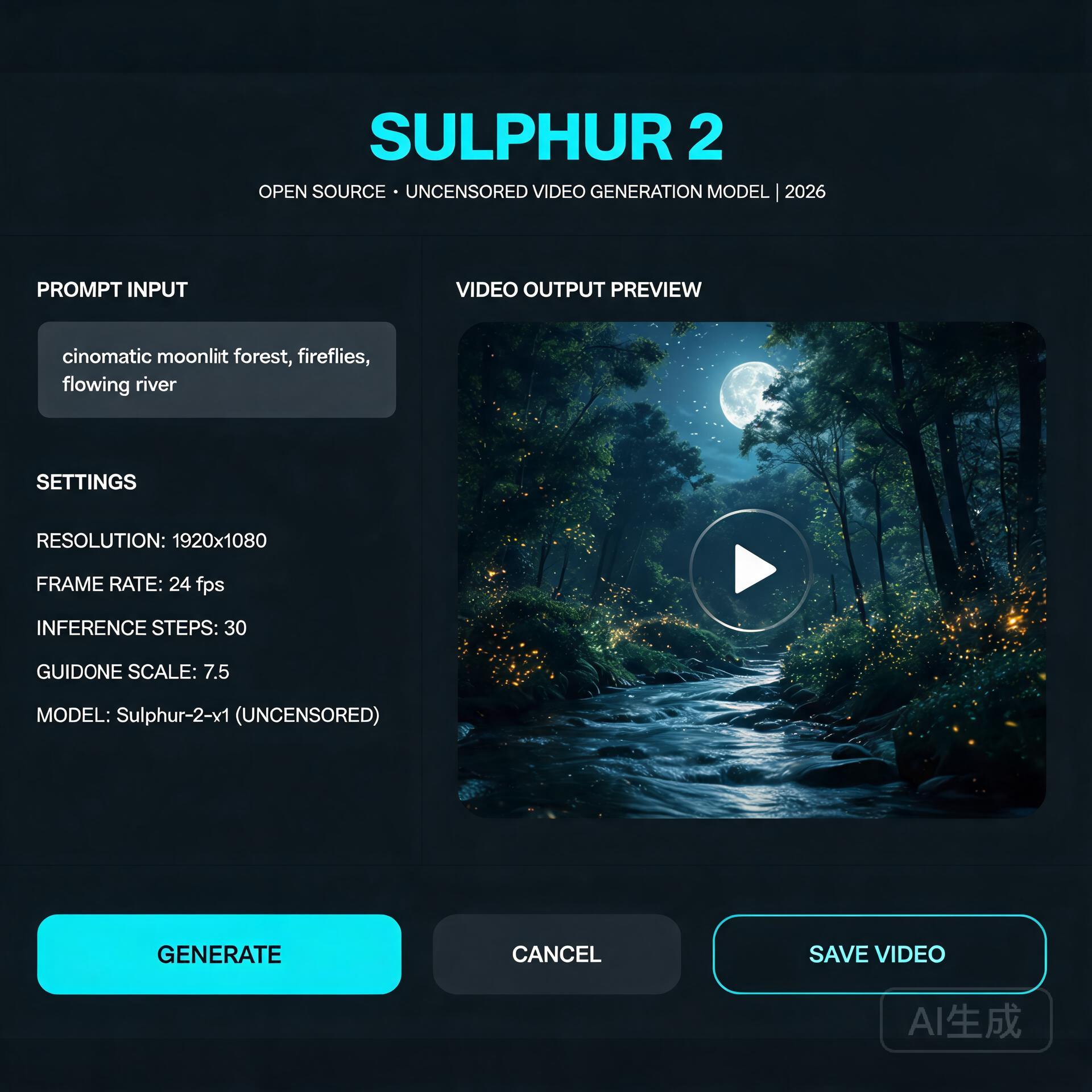
For the past two years, running a serious text-to-video model on your own hardware meant one of two things: renting a cloud GPU by the hour, or accepting that local generation would be slow, limited, and locked behind aggressive content moderation. Sulphur 2, an open-source video model that appeared in May 2026, quietly broke both of those assumptions at once — and the community noticed. It runs comfortably in just 8GB of VRAM, and it ships without the content-filtering layer that commercial tools quietly bolt on.
That second point is what’s driving most of the conversation. Whether you think unfiltered generation is liberating or alarming, it’s a genuine inflection point in the open-model ecosystem.
What’s Happening
Sulphur 2 comes from SulphurAI and is built on top of Lightricks’ LTX 2.3, a 22-billion-parameter video diffusion model. Rather than training from scratch — an expensive, GPU-hungry undertaking — the team fine-tuned the entire LTX 2.3 base on roughly 125,000 curated, realistic video samples. The goal was narrow and deliberate: push the model toward photorealistic, natural-looking output while keeping the architectural efficiency of its parent.
It supports both text-to-video and image-to-video generation, along with a set of features that usually live only in paid tools: audio synchronization, first-frame and last-frame control, and native video extension. That last capability — extending an existing clip rather than generating from nothing — is the feature that makes it genuinely useful for longer projects.
The most talked-about characteristic, though, is the moderation policy. Sulphur 2 removes the commercial content-review layer and keeps only a basic filter for outright illegal material. It’s a stark contrast to the tightly-controlled APIs most creators are used to.
Technical Details: How It Works
Under the hood, Sulphur 2 is a diffusion model, which means it generates video by starting from noise and iteratively denoising it toward a coherent result — guided by a text prompt (or an input image plus a prompt). The LTX 2.3 lineage matters because that family was engineered for inference efficiency, which is exactly why a 22B-parameter model can squeeze into consumer hardware.
Three technical notes are worth knowing if you plan to run it yourself:
- VRAM is the bottleneck, not RAM. At 8GB of VRAM you can generate short, low-resolution clips. Bumping resolution or clip length scales the memory requirement quickly. GGUF quantized variants (Q3 through Q8) let you trade quality for smaller memory footprints — the Q4/Q5 range is the usual sweet spot for most consumer cards.
- CFG guidance is unusually low. Unlike many diffusion models that demand CFG values of 7 or higher, Sulphur 2 works best in the 3.0–5.5 range. Pushing CFG higher tends to oversaturate colors and introduce visible artifacts, so a light touch on guidance is counterintuitively better.
- Long scenes are built by chaining, not generation. The model won’t reliably produce a multi-minute shot in one pass. The practical pattern is to generate the first segment, then use image-to-video mode with the final frame as the input to extend it — a loop that maintains continuity across a longer sequence.
It also integrates readily with node-based tools like ComfyUI, which has become the de facto standard for this kind of local pipeline.
Practical Implications
For independent creators, the math is simple and compelling. A tool that previously required either a subscription or a rented cloud GPU can now live on a mid-range gaming PC. That shifts the economics of AI video from “pay-per-second” toward “free after your own hardware investment.”
Developers get something arguably more valuable: a full, inspectable model with no API key, no rate limits, and no terms-of-service gate on what you can build. Integration into ComfyUI workflows, custom pipelines, and self-hosted apps becomes a first-class option rather than a hack.
The unfiltered nature cuts both ways. It gives creators freedom to explore mature or niche subject matter that mainstream tools refuse. But it also removes the safety rails that have made commercial video APIs palatable to brands and platforms. Anyone building on Sulphur 2 inherits the responsibility for what their users generate — there’s no vendor absorbing that risk on your behalf.
What to Watch Next
Sulphur 2 is almost certainly a preview of the open-video model’s trajectory, not its endpoint. Two threads are worth following. First, expect a widening gap between the “filtered” commercial models and a growing camp of deliberately-open alternatives — and watch how hosting platforms, app stores, and regulators respond to that split. Second, keep an eye on the quantization and fine-tuning ecosystem building around it; history with LLMs suggests that community LoRAs and efficiency work will extend Sulphur 2’s reach well beyond what the base release achieves.
For anyone who’s been waiting for AI video generation to actually become something you own and control, Sulphur 2 is the clearest signal yet that the wait is ending.
🛠️ Resources & Tools Mentioned
Tools our readers use most for AI tools:
AdCreative.ai — AI-powered ad creative generation
Jasper AI — AI writing platform for marketing copy
Surfer SEO — AI SEO content optimization platform
Disclosure: We may earn a commission if you sign up through these links. All recommendations are independent.
Related Articles
- open-source video stack panorama
- Wan2.2-Animate
- Wan2.2 MoE
- MirrorWorld frontier
- video generator ranking
How This Article Was Tested
This article was written by Junjie (俊杰) based on hands-on operation of a local AI workstation running Zorin OS on an AMD Ryzen 7 255 with an RTX 5060 Ti 16GB. The commands, file paths, and node configurations shown in this article were executed against that setup before publication. Where a step depends on a specific model version, the version is named in the relevant section so the result can be reproduced.
Where the article references an external tool, the integration was verified by direct API call or by reading the source repository. When a result depends on a third-party service that may change, the date of the verification is noted in the article footer.
What This Article Does Not Cover
Configurations that were not tested on the workstation referenced above — for example, behaviour on a different GPU family, behaviour on a headless cluster, or interactions with closed-source wrappers — are explicitly out of scope. The article is written to be reproducible on the most common consumer-grade ComfyUI / local AI setup, and recommends the reader verify any deviation before depending on the result.
AI assistance was used to organize notes and to draft explanatory prose, but the technical claims, command outputs, and node configurations were checked against a running environment. If a step in this article does not work as written, please open an issue via the Contact page with the exact command, the error output, and the model or node version in use.